 Hierax

Features
-
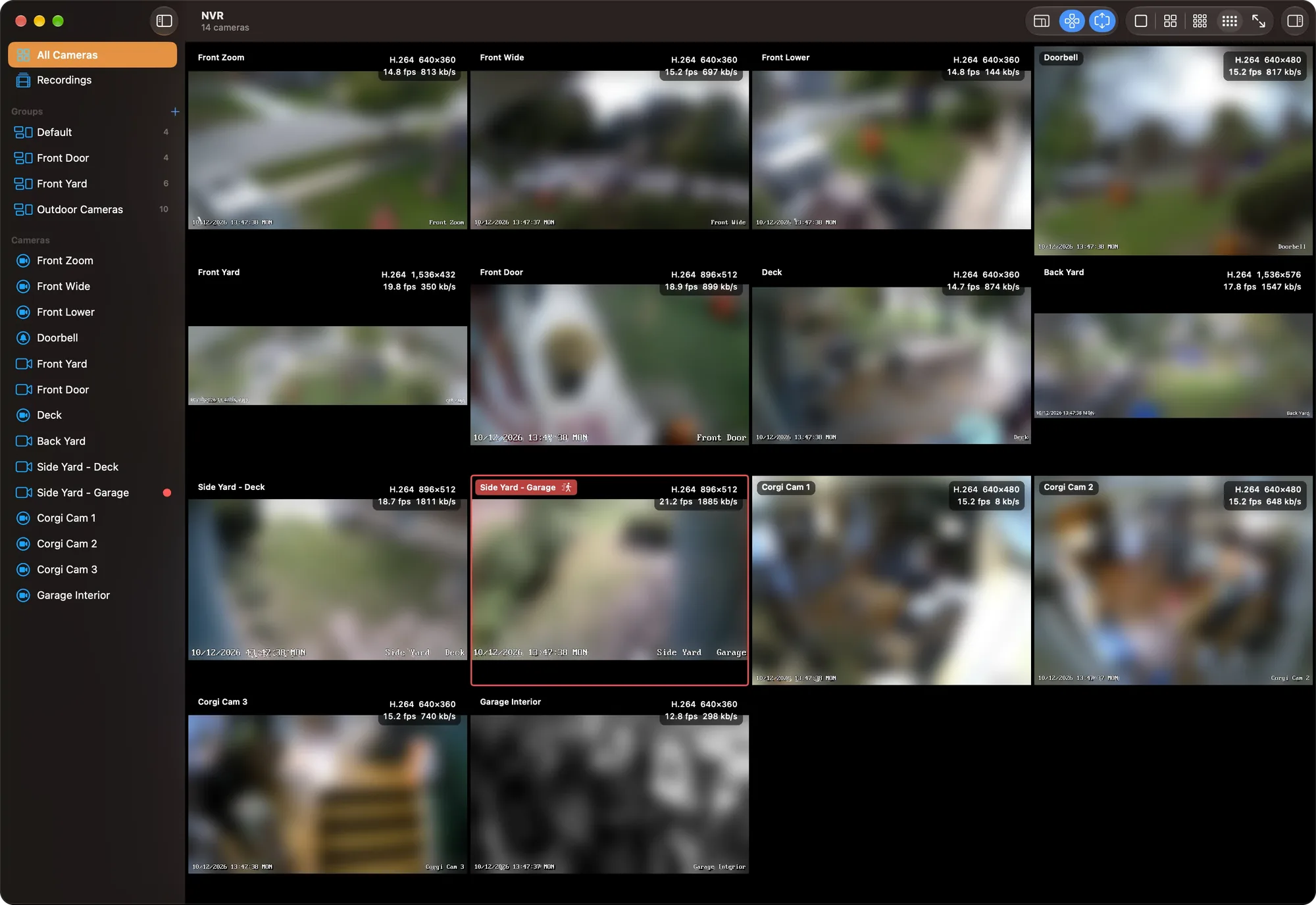
Live view
All your cameras in one grid, with video about half a second after the app opens. Click a camera to watch it in HD. Scroll or pinch to zoom in.
-
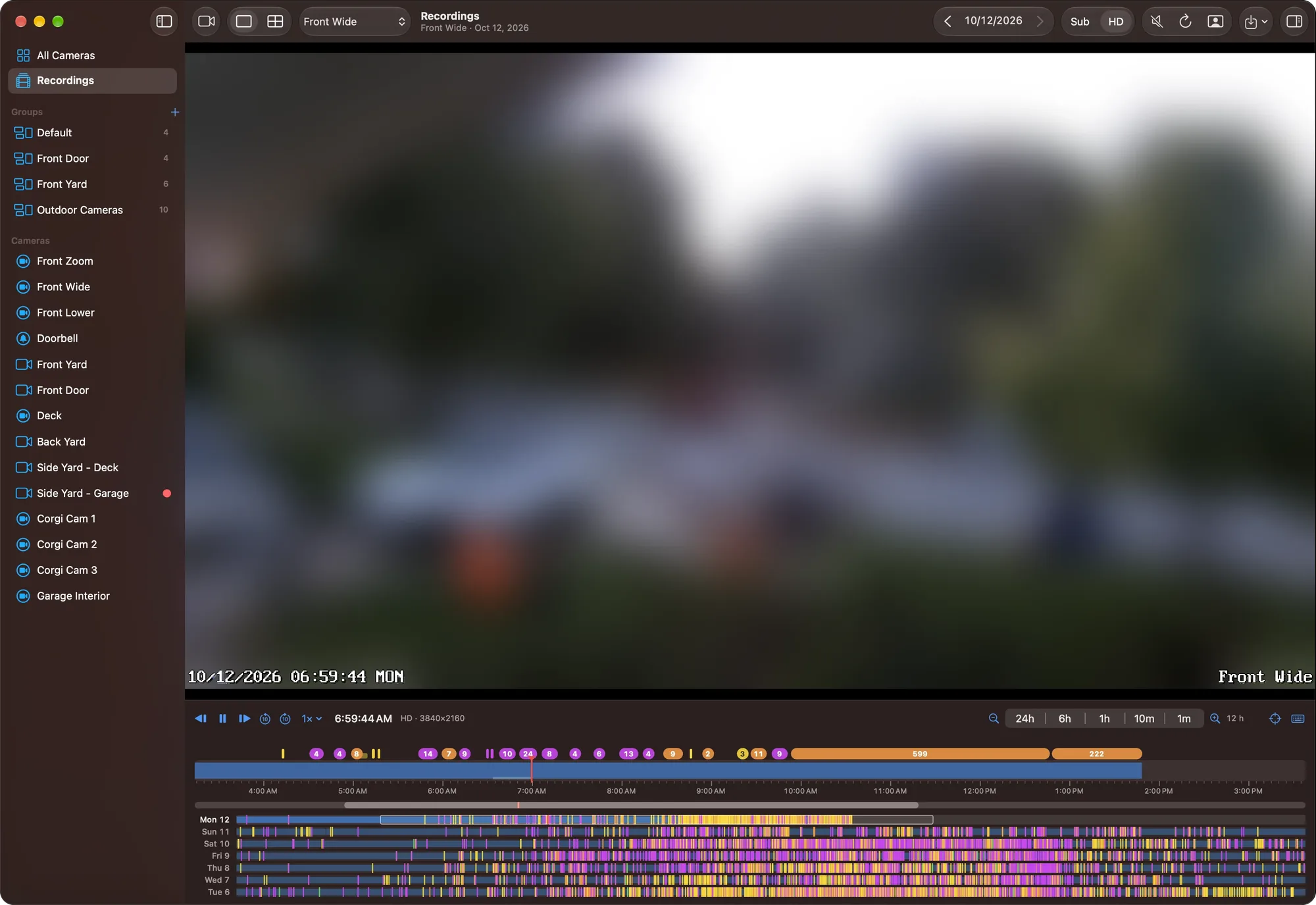
Recordings
Each day's recordings on a timeline, with motion, person and vehicle events marked. Seeking is instant. Step frame by frame, shuttle with J K L, or skip from event to event.
-
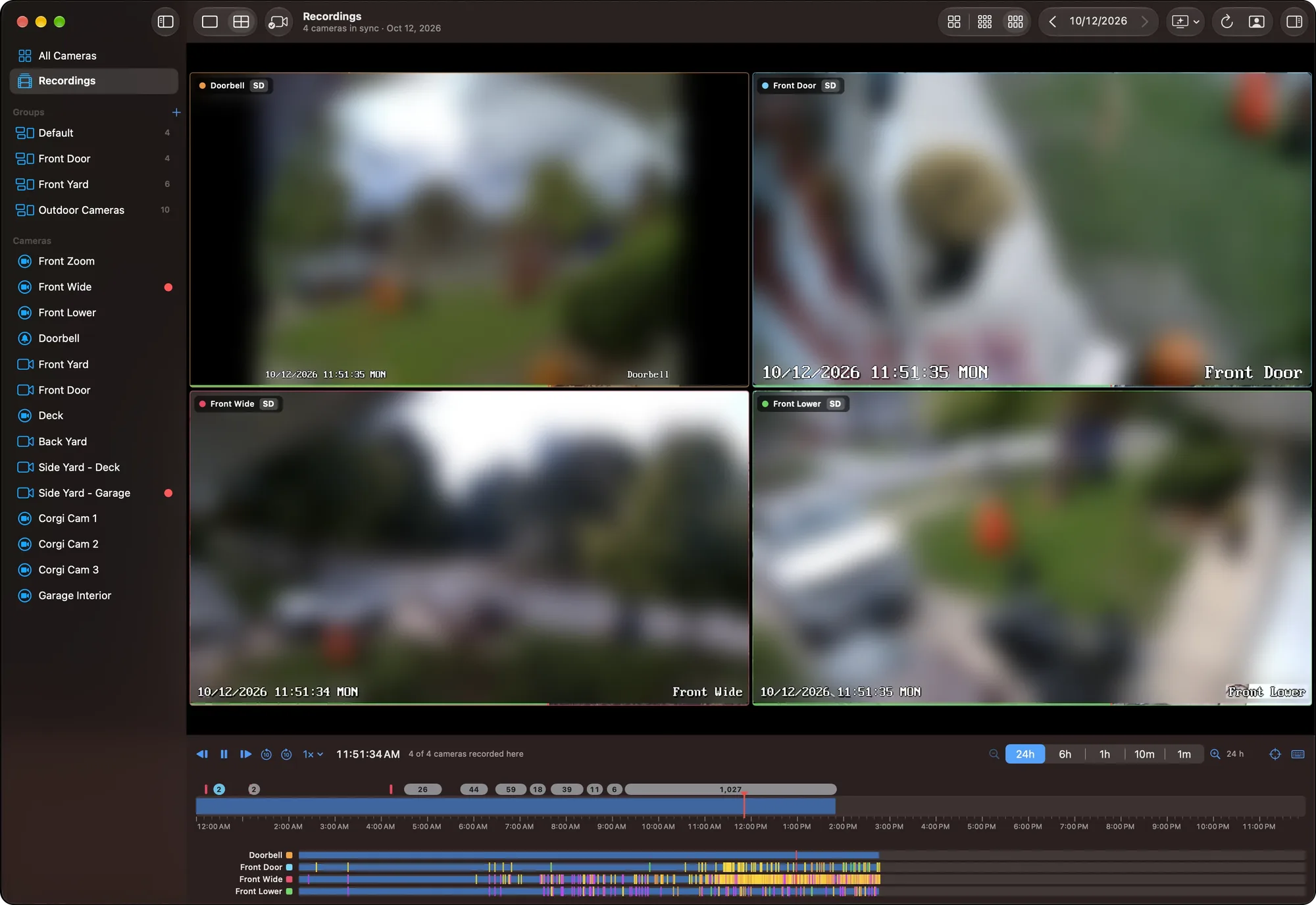
Synced playback
Watch recordings from several cameras at once, kept in sync, and export a clip of any time range.
-
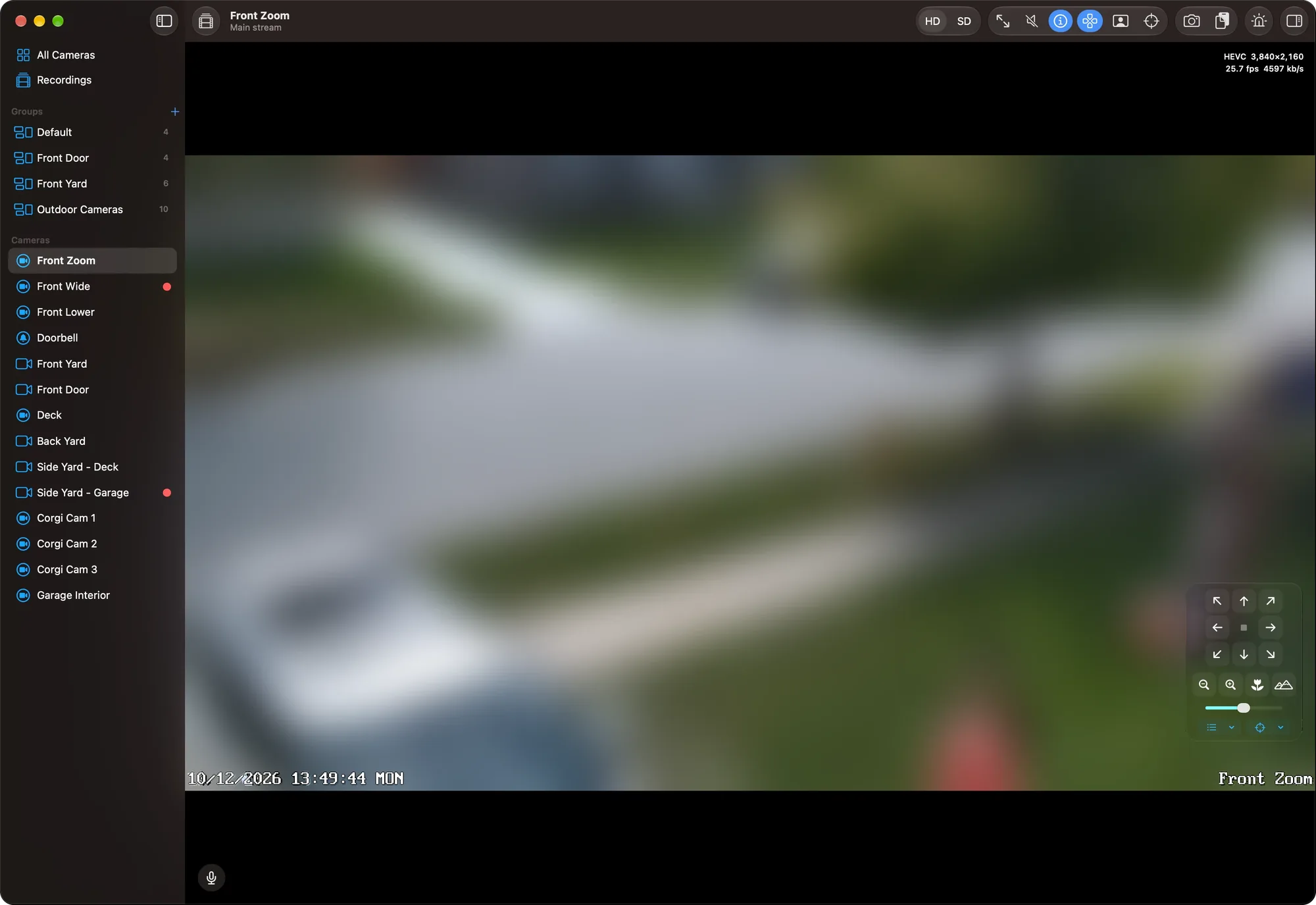
PTZ control
Pan and tilt with W A S D or a game controller, zoom with E and Q, and go to presets with the number keys. Commands usually reach the camera in under a tenth of a second.
-
Auto-tracking
A PTZ camera can follow a person by itself. Detection runs on your Mac, using Apple's Vision framework.
-
Notifications
Person, vehicle and doorbell alerts come with a snapshot. You can open the camera, play the recording or snooze alerts right from the notification.
-
Two-way talk
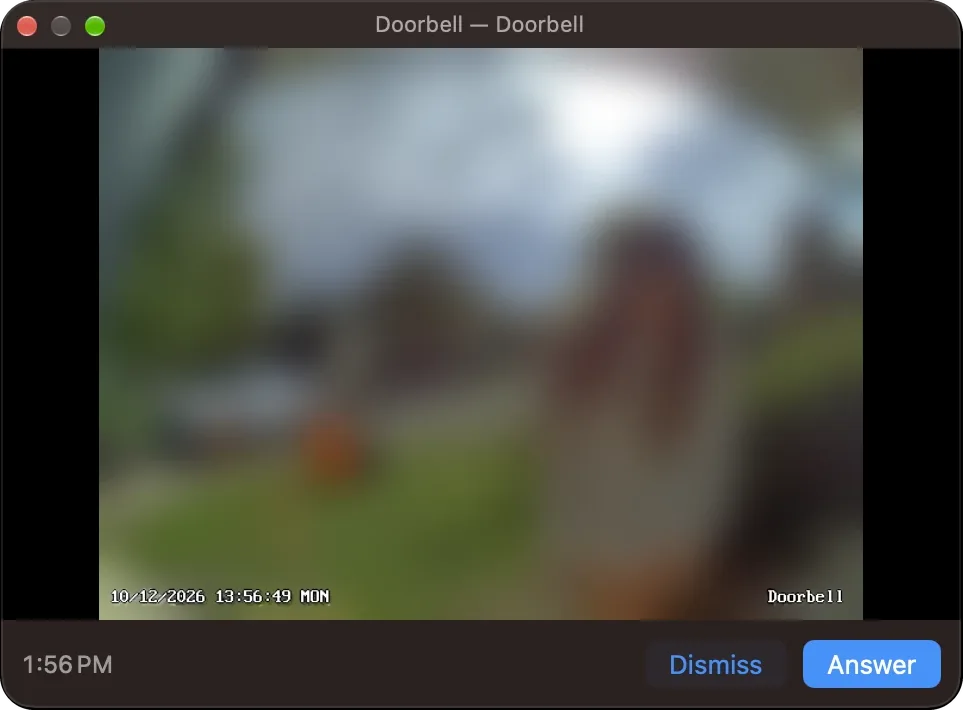
Hold the Talk button to speak through a doorbell or a camera with a speaker. Doorbell alerts have an Answer button too.
-
Siren and floodlight
Sound a camera's siren or turn on its floodlight from Hierax. You can also set the siren to go off on events.
-
Menu bar
Close the window and Hierax keeps running in the menu bar, so notifications still arrive. Global hotkeys bring up any camera from any app.
Screenshots
Privacy
Hierax only connects to your NVR. Video, events and settings stay on your network. Read the privacy policy.
-
Local network onlyHierax talks to your NVR's address directly, not through a cloud service or relay.
-
No account or analyticsThere's nothing to sign up for, and the app doesn't collect usage data.
-
Password in the KeychainYour NVR password is saved in the macOS Keychain on this Mac.
-
Destructive commands blockedHierax can't format disks, delete recordings, update firmware or reboot the NVR.
Requirements
- A Mac running macOS 27 or later
- A Reolink NVR on the same network as the Mac
- The NVR's username and password
Support
Send questions and bug reports to support@hierax.app. If Hierax won't connect to your NVR, include the NVR's model and firmware version.